
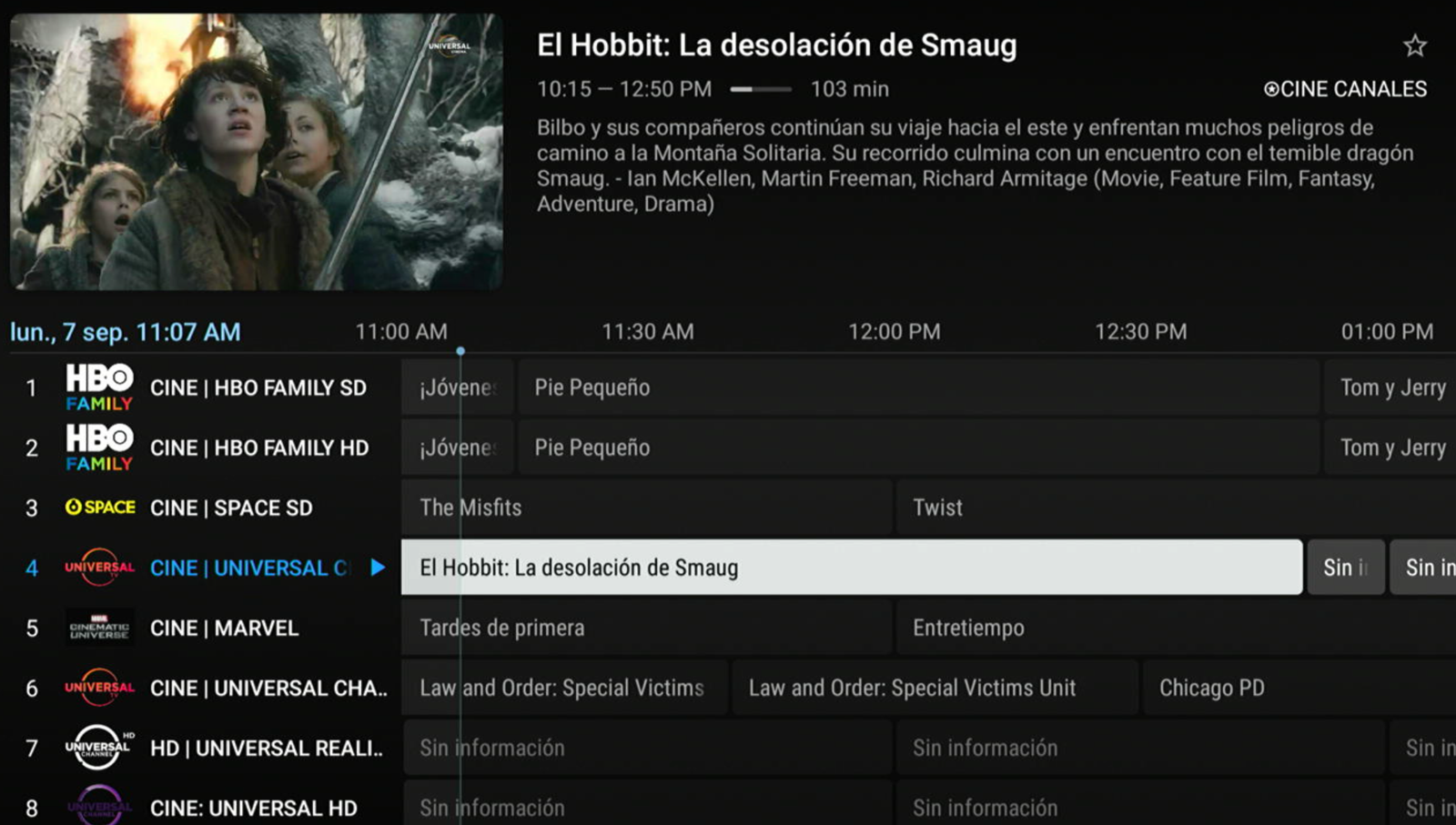
The horizontal grid your customers already know from regular TV: channels down the left, hours across the top and a live preview while they scroll the guide. With your logo, your name and your server.
Same service, same panel. What changes is how you browse and how you sign in: pick the one that fits your customers best.
Home with featured content, side menu and large detail pages. The streaming-platform look. Recommended for television screens only.
See this model →Horizontal channel grid with live preview, recordings and several playlists in one app. Built for the remote control, and recommended for television screens only.
Model you are viewingSix color themes to pick from, and login by MAC address or by username and password. With VPN, sports guide and playlist switching.
See this model →The features that make customers ask for this app by name.
Nothing to learn. Your customer opens the guide, moves with the arrow keys and sees the channel before going in. The same gesture as a lifelong set-top box, inside your app.
Typing accented letters on a remote control is painful, which is why other apps come back empty. This one ignores them: type the plain letters and it finds the title anyway.
You type ahi, with no accent, and every title containing ahí shows up.
A finished player, not a template. Every screen built to be read from the couch.
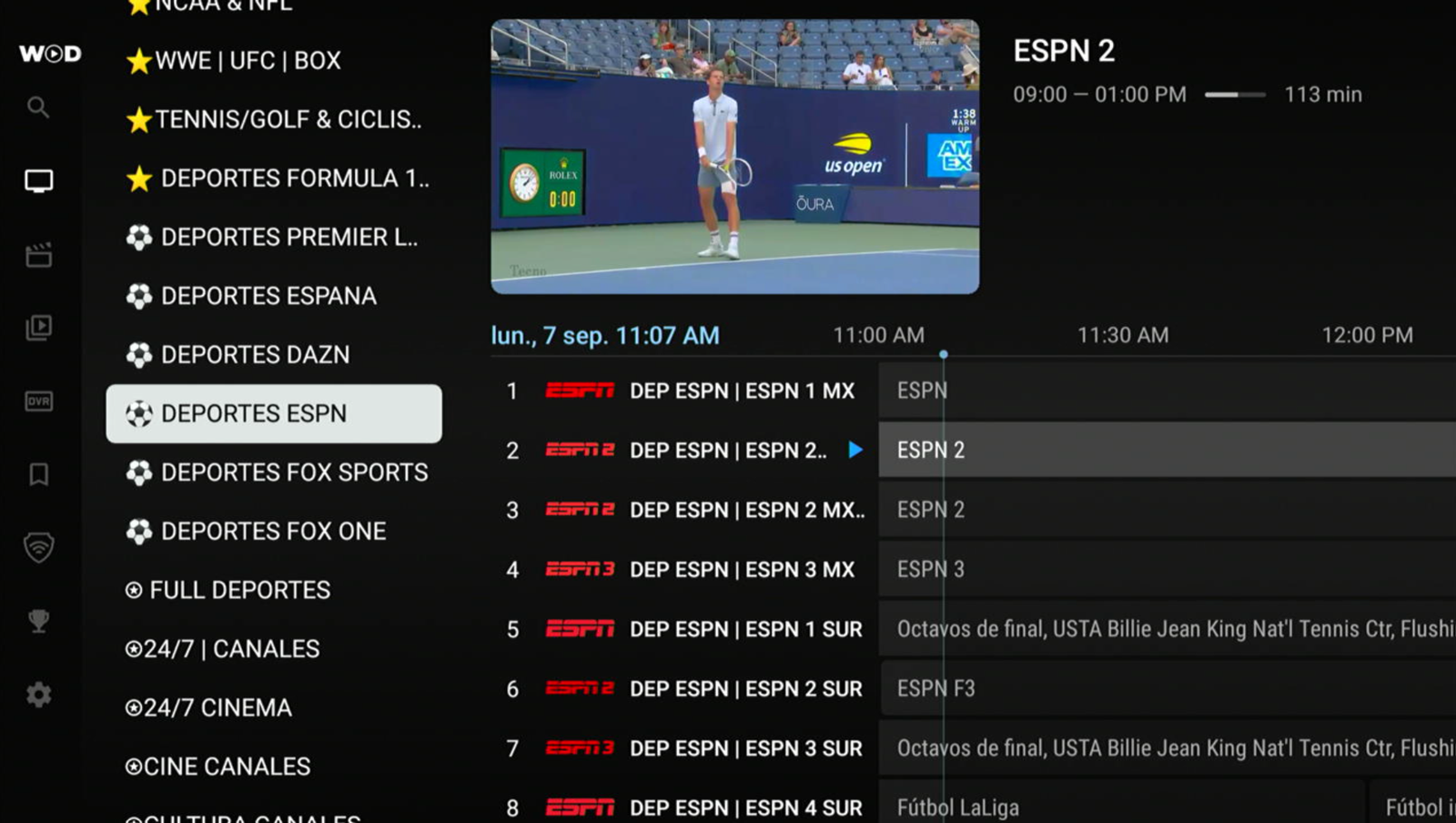
Categories, channel list and a program guide with times and synopsis. Preview while you browse, and full screen with one button.
Posters, synopsis, genres, director, runtime, rating and cast. With My list, History and Continue watching.
Searches the whole catalog and does not depend on accents: typing «ahi» finds «ahí». One word is enough.
Its own DVR section: the customer records what they are watching and gets it back whenever they want.
Up to 10 configurable DNS and a service picker on the way in. Works with XUI and Xtream Codes panels.
Your name, your logo and your colors inside the app. It is prepared with your brand before we hand it over.
Real captures of the app running. No mockups.
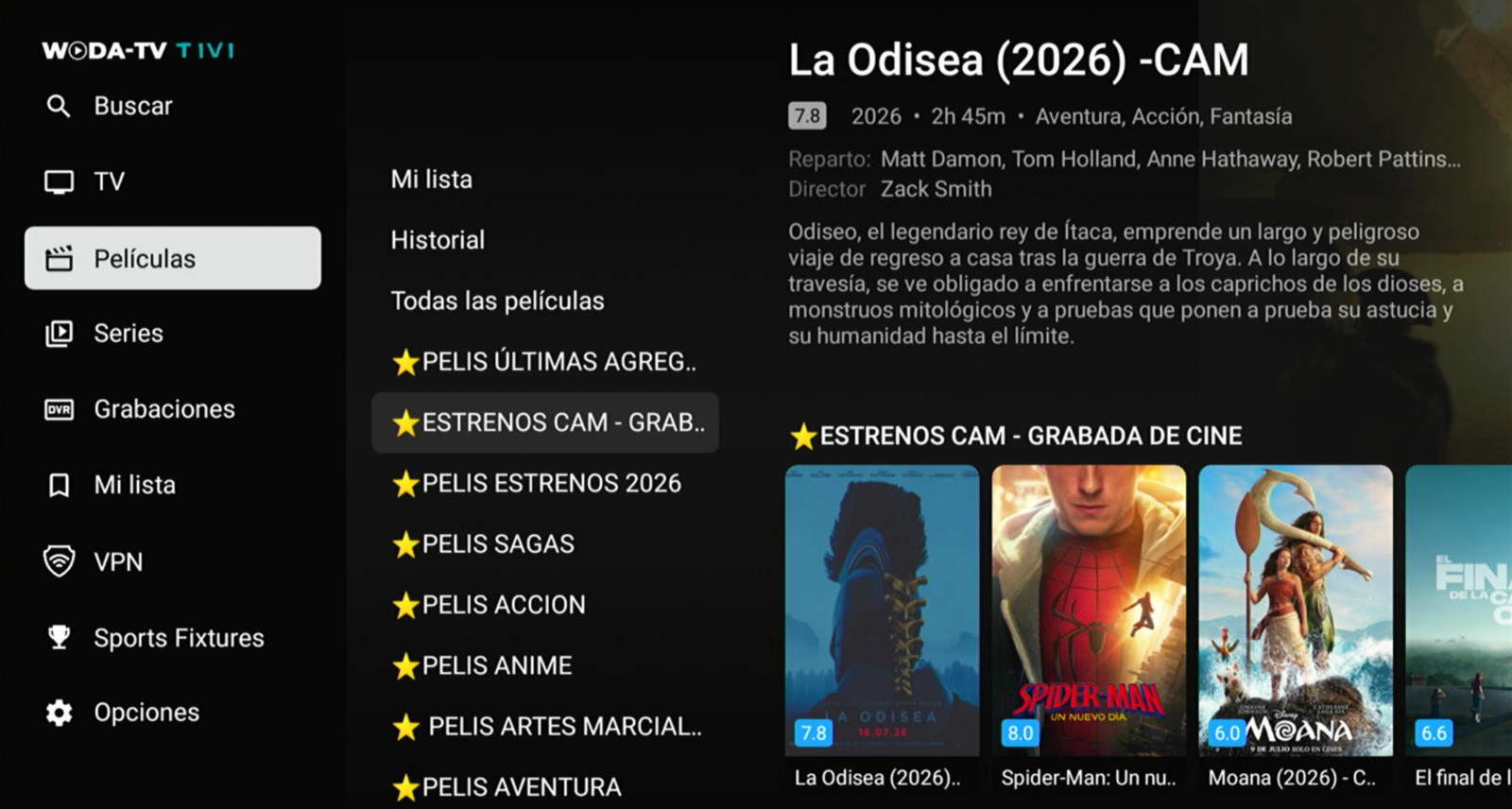
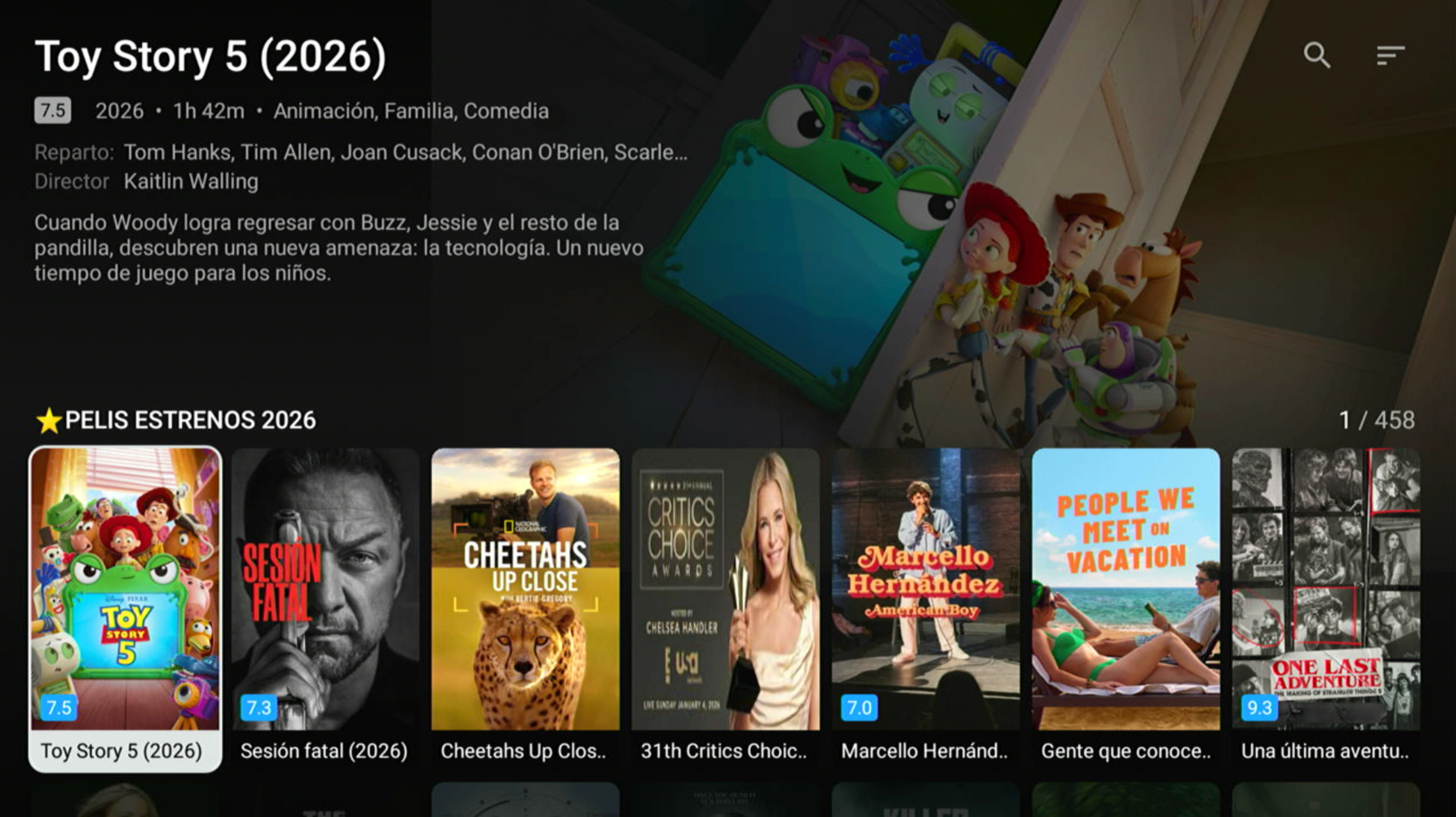
A walkthrough of the app, with the guide and the search box in action.
What a screenshot does not show, but decides whether your customers stay.
Everything is reachable with the arrows and OK. No hidden menus and no phone gestures that do not exist on an Android TV.
If one server goes down, the customer picks another list on the way in and keeps watching. Fewer support messages for you.
It asks for the guide of the channels being watched and downloads posters as they are needed, not all at once.
Tell us how you work and we will tell you what you need to get it running with your panel and your logo.